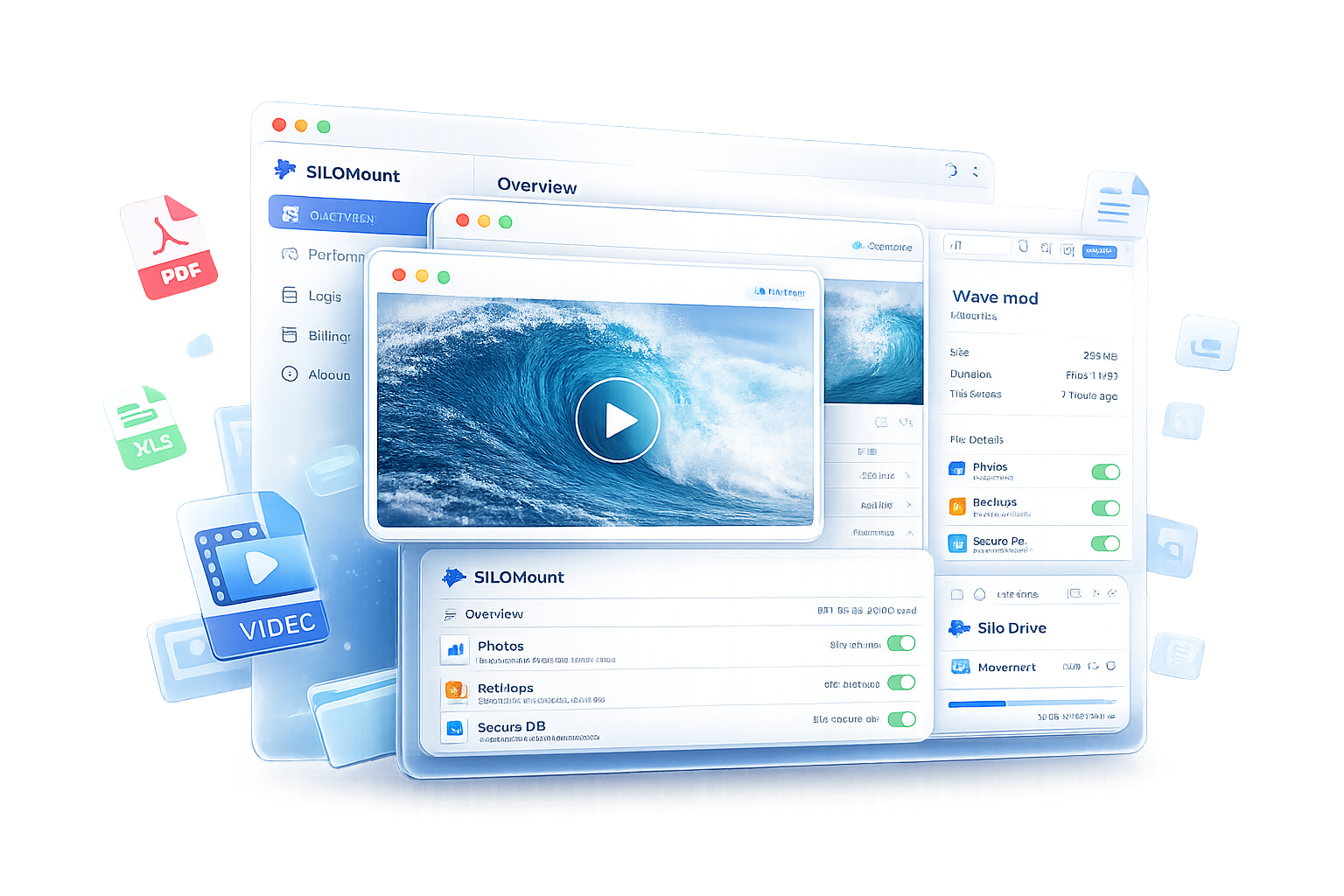
Cloud storage is supposed to make files easier to reach — not harder. SILOMount closes that gap by turning your object storage bucket into a drive that behaves like it's sitting on your desktop.
What is SILOMount?
SILOMount is a desktop mount client that connects directly to SILO S3-compatible storage and presents it as a local drive. Instead of downloading files, waiting on sync jobs, or juggling browser-based file managers, you open a folder and your cloud storage is just there — browsable, editable, and fast.
There's no relinking paths, no manual syncing, and no separate upload step before you can start working. You connect a bucket, and it behaves like local disk.
Open, browse, and move large files without waiting on downloads, sync jobs, or relinking paths — so creative and operations teams stay in flow.
Who is SILOMount for?
SILOMount is built for teams that move large or high-volume files as part of their daily work, including:
- Creative and media teams handling design files, video edits, and large project archives
- Operations and security teams working with surveillance clips and monitoring footage
- Data and analytics teams pulling and pushing analytics exports at scale
- IT and backup admins managing backup archives and disaster-recovery workflows
- Any team on SILO storage plans that wants desktop-native access without extra tooling
How to use SILOMount
Getting started takes a few minutes:
- Download the client. SILOMount is available now for Windows 10/11, with Mac (Apple Silicon and Intel) and Linux support on the way — Linux is currently in early access via the waitlist.
- Connect with your SILO credentials. Use your SILO S3 access keys to authenticate — no separate account or extra setup required.
- Mount your bucket. SILOMount connects one bucket at a time, keeping the desktop experience simple and stable.
- Work as usual. Browse folders, open files, and drag-and-drop transfers the same way you would with any local drive.
Note: SILOMount currently mounts one bucket at a time by design, to keep the workflow predictable rather than juggling multiple mounted drives.
Key features
- Instant mount and browse — connect buckets in seconds and navigate folders like any desktop drive
- Controlled team access — fine-grained, user-level access keys instead of sharing master credentials
- Fast uploads and sync — batch transfer media, logs, and backups with reliable resume and clear progress tracking
- Role-based permissions — control exactly who can read, write, or share files
- Encrypted transfer — data moves securely between desktop and storage
- Resilient architecture — built to hold up under everyday, high-volume file operations
Why it's fast
SILOMount is designed around local-drive speed rather than traditional cloud sync patterns. File reads and writes are built to run significantly faster than conventional sync clients, and the underlying storage layout is built to scale well beyond typical team workloads — without the wait times that come from downloading before you can work.
Security and access control
SILOMount connects through SILO S3 using your own access keys rather than a shared master credential. Admins can create user-level keys from the SILO admin panel and rotate them anytime without disrupting the rest of the team, so access stays tight even as teams grow or roles change.
Pricing
SILOMount is included with SILO storage plans — there's no separate per-seat mount fee. You pay for the storage you use, which SILO positions as delivering up to 50% savings compared to traditional cloud providers.
Platform availability
- Windows: Available now, with an installer for Windows 10/11 and auto-update support
- Mac: Native Apple Silicon and Intel builds — coming soon
- Linux: In early access — join the waitlist for priority onboarding
Last updated: July 2026